Getting Started
Introduction
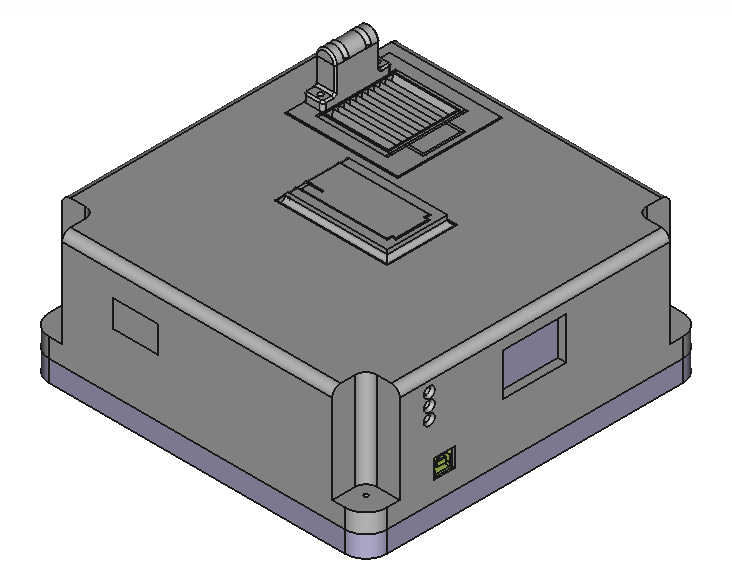
The Climate Monitoring System by Team Gold is a fully featured scientific climate monitoring instrument, designed to provide the user with the ability to catalog and record the changes in an outdoor environment over a period of time.
Warning
Before plugging in your CMS please read Light Sensor Aperture first. Failure to do so may put you at risk of damaging your CMS.
Hardware
The CMS is an enclosed unit designed to provide you the user with the ability to record and catalog several scientific metrics at once. By placing the CMS in some environment, you can record the changes that environment undergoes over time.
Physical Features
USB Connector
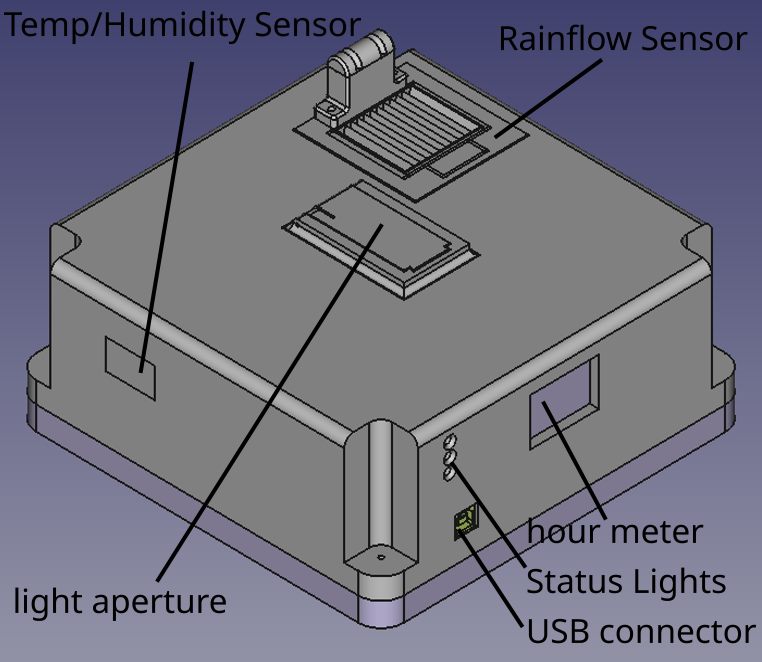
Your CMS comes equipped with a USB type B connector, used for plugging your sensor into a laptop, desktop or embedded system.
Light Sensor Aperture
The light sensor Aperture is a component of your CMS used to catalog and sense the presence and intensity of both UV Light as well as Visible Light.
Warning
Please be aware, the Light Sensor Aperture may move upon startup, please confirm the following on your sensor before turning it on for the first time.
Your Light Sensor Aperture is closed and or fully open
The space around your Light Sensor Aperture is free of objects or hazards
Temp/Humidity Opening
The opening on the rear left corner of the CMS allows for air to flow through an internal channel and be read by the sensor within it is important that this covering is free of debris and is not at risk of collecting debris, especially outdoors.
Note
Your CMS may have come with masking tape covering the sensor opening, it is important to remove this tape before placing the sensor into service.
Rainflow Sensor
Your CMS can record rainflow in in 3/min OR Inches of Rain/Rainfall. You can set the output mode in the LabView Software.
Software
To use the full feature set of your CMS, you must configure the CMS companion software that ships with your sensor. There are multiple ways to acquire this software, the recommended way is With a Release, but other options exist.
With a Release
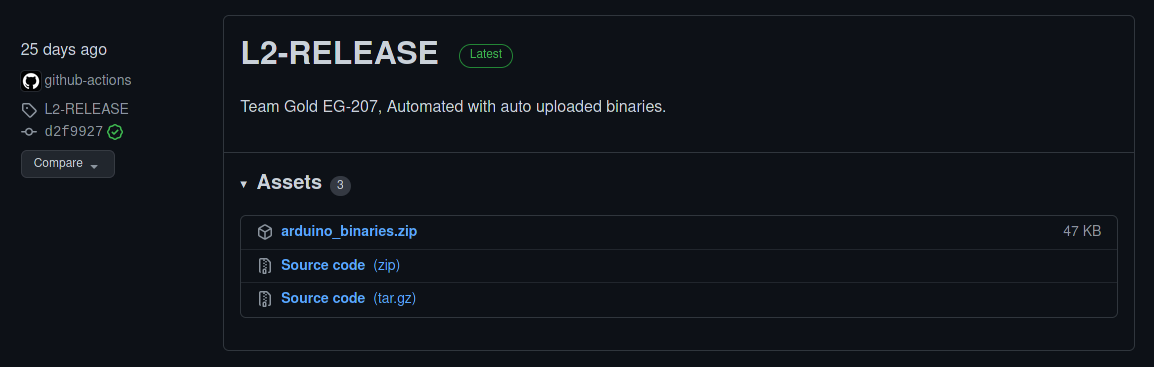
By using a specific release, you can be sure that a specific release behaves as its corresponding documentation or for a specific hardware version, to begin, navigate to the online Releases page on github, and follow the instructions to install attached to the latest release.
Using your sensor
Once you’ve collected your Climate Monitoring System and configured your software, proceed to the Normal Use section to learn how to use your sensor.